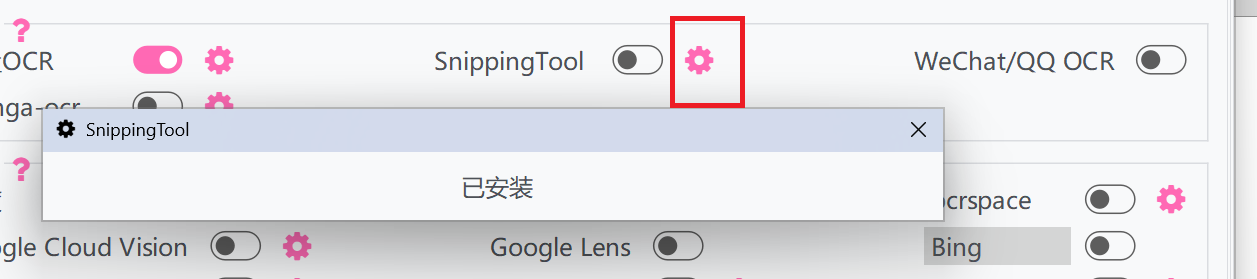
OCR interface settings
Online OCR
Baidu Intelligent Cloud OCR
https://ai.baidu.com/ai-doc/OCR/1k3h7y3db
Baidu Intelligent Cloud Image Translation
https://ai.baidu.com/ai-doc/MT/dkifdqg54
Baidu Translation Open Platform Image Translation
Offline OCR
Built-in OCR
The built-in PP-OCRv5_mobile (lightweight recognition model for Chinese, Japanese, and English) is already included. If you need to recognize other languages or want to use other models, you need to download the models in the settings and configure them for use.
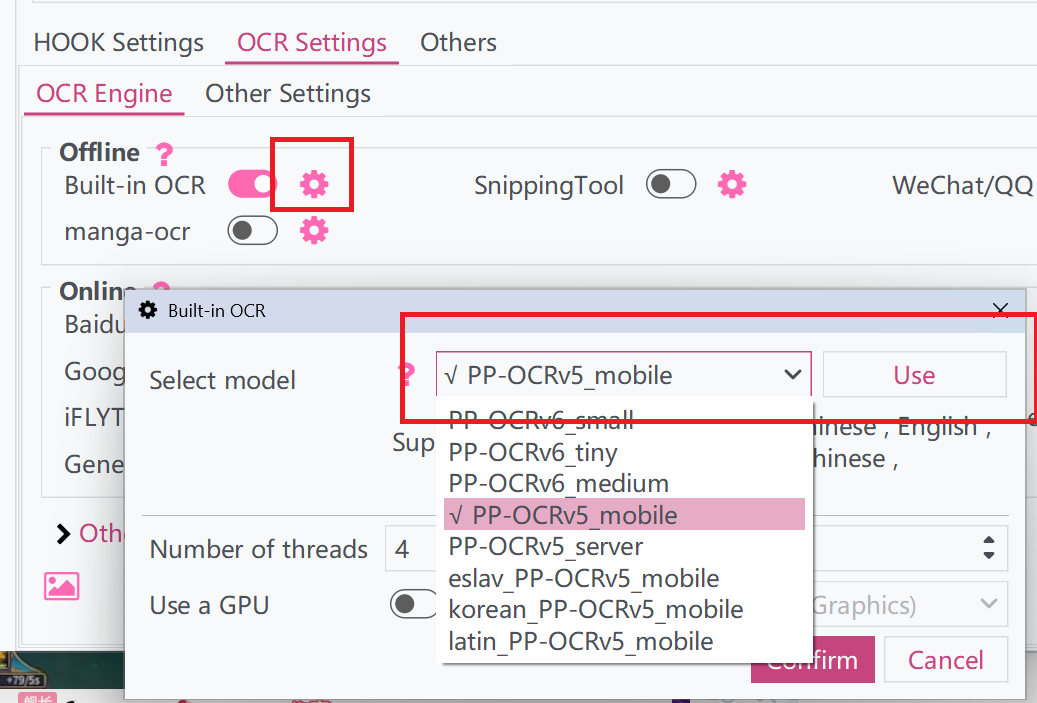
The settings also provide some high-precision models, such as PP-OCRv6_medium and PP-OCRv5_server, which can achieve extremely high recognition accuracy, but the recognition speed is relatively slower.
| Model | Detection Module Hmean(%) | Recognition Module Avg Accuracy(%) | Supported Languages | Size(MB) |
|---|---|---|---|---|
| PP-OCRv6_small | 84.1 | 81.3 | Any | 25.2 |
| PP-OCRv6_medium | 86.2 | 83.2 | Any | 99.7 |
| PP-OCRv6_tiny | 80.6 | 73.5 | Any | 5.45 |
| PP-OCRv5_mobile | 79.0 | 81.29 | Simplified Chinese, Traditional Chinese, English, Japanese | 17.7 |
| PP-OCRv5_server | 83.8 | 86.38 | Simplified Chinese, Traditional Chinese, English, Japanese | 148 |
| eslav_PP-OCRv5_mobile | 79.0 | 81.6 | East Slavic languages | 11.2 |
| korean_PP-OCRv5_mobile | 79.0 | 88.0 | Korean | 12.2 |
| latin_PP-OCRv5_mobile | 79.0 | 84.7 | Latin-script languages | 11.3 |
To improve the recognition efficiency of high-precision models, the following methods can be adopted:
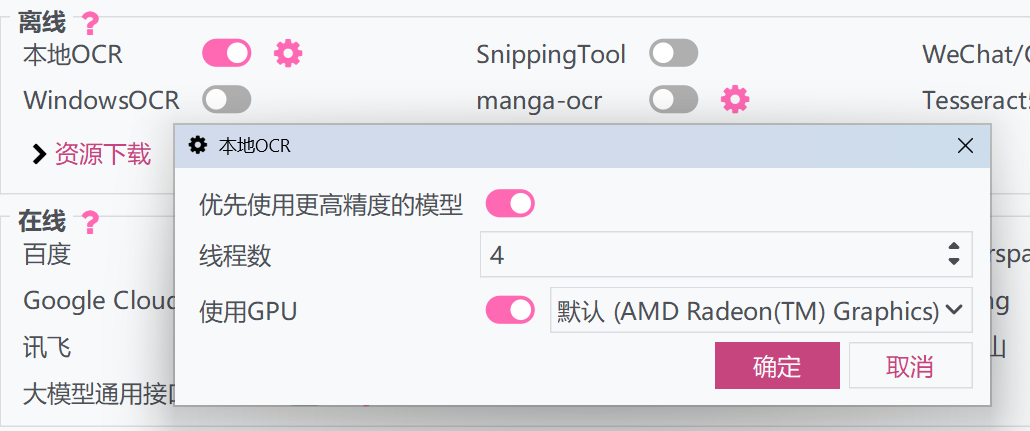
Use GPU Inference
If the software version being used is the Win10 version, or the system is Windows 11, the model can be set to run directly using the GPU.
Use OpenVINO Inference
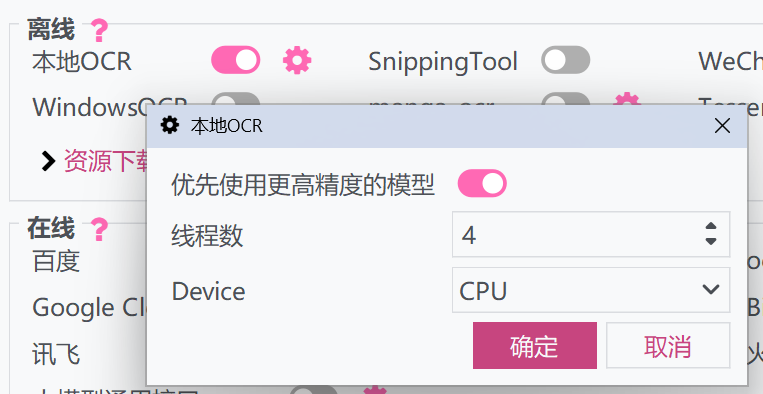
If using an Intel CPU/NPU/GPU, the inference engine can be replaced with OpenVINO to accelerate recognition.
Download onnxruntime-openvino. After extracting, overwrite all files in runtimes/win-x64/native to LunaTranslator/files/DLL64, and then select the device to use.
Other OCR
WARNING
Only supports Windows 10 and Windows 11 operating systems.
If you are using the latest version of Windows 11, you can use it directly; otherwise, you need to install this module in Settings to use it.